
Voice
Type it, or say it out loud.
Too tired to type? Tap the microphone and talk. Speech recognition on your iPhone turns it into text, and the recording stays with the note.


One line is a whole entry.
A daily journal that only asks for one line. Type it or say it out loud, add a face for how it felt, and keep your lists and plans in Notes, right beside it.
Free to start. For iPhone with iOS 18 or later.
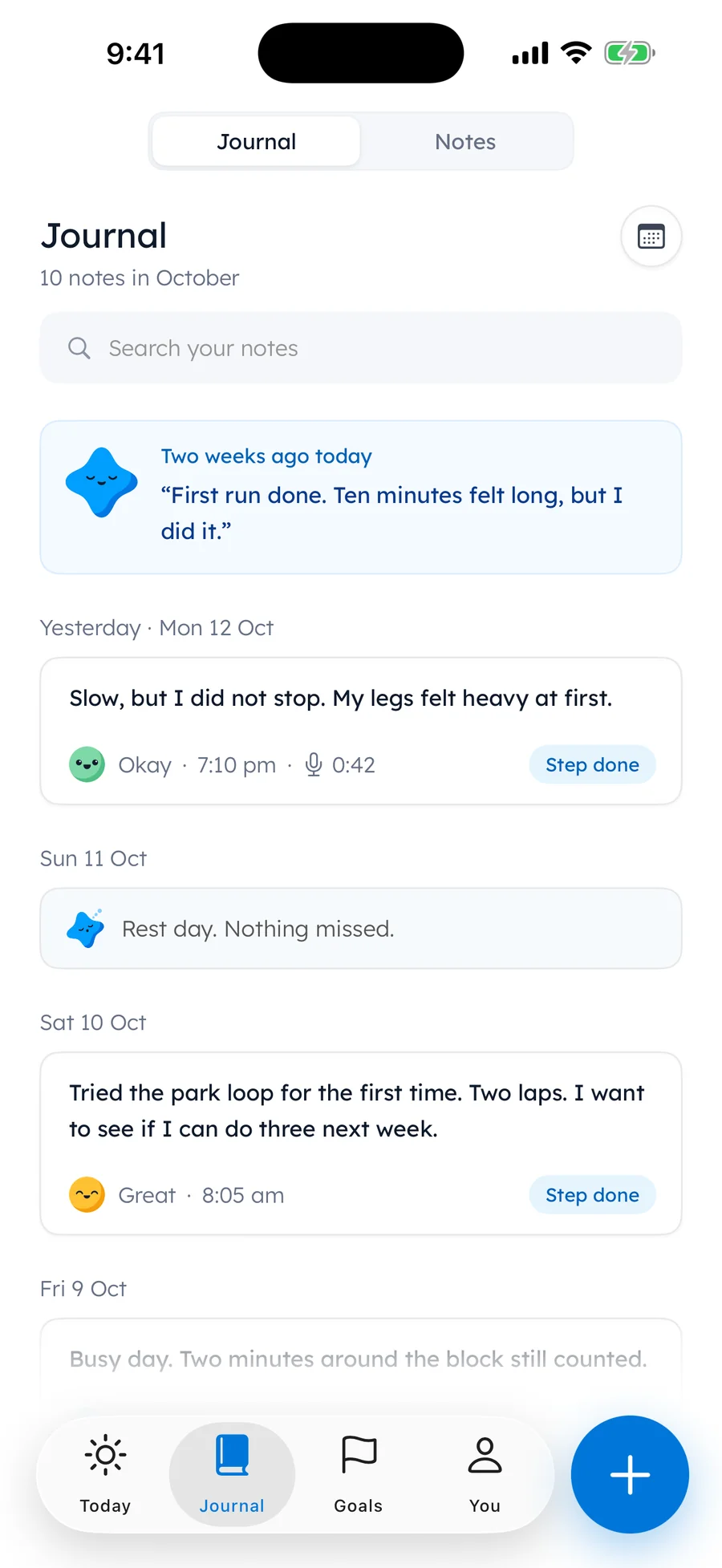
One line a day
A line takes about a minute, so it fits into a busy day. Write how the day went. If you want to keep going, keep going. If one line is all you have, that is a whole entry.
A fresh question sits at the top when you want one. Tap Another question for a new one, or Write without one.
The lines add up. Weeks later they are a record of what you did and how it felt, in your own words.
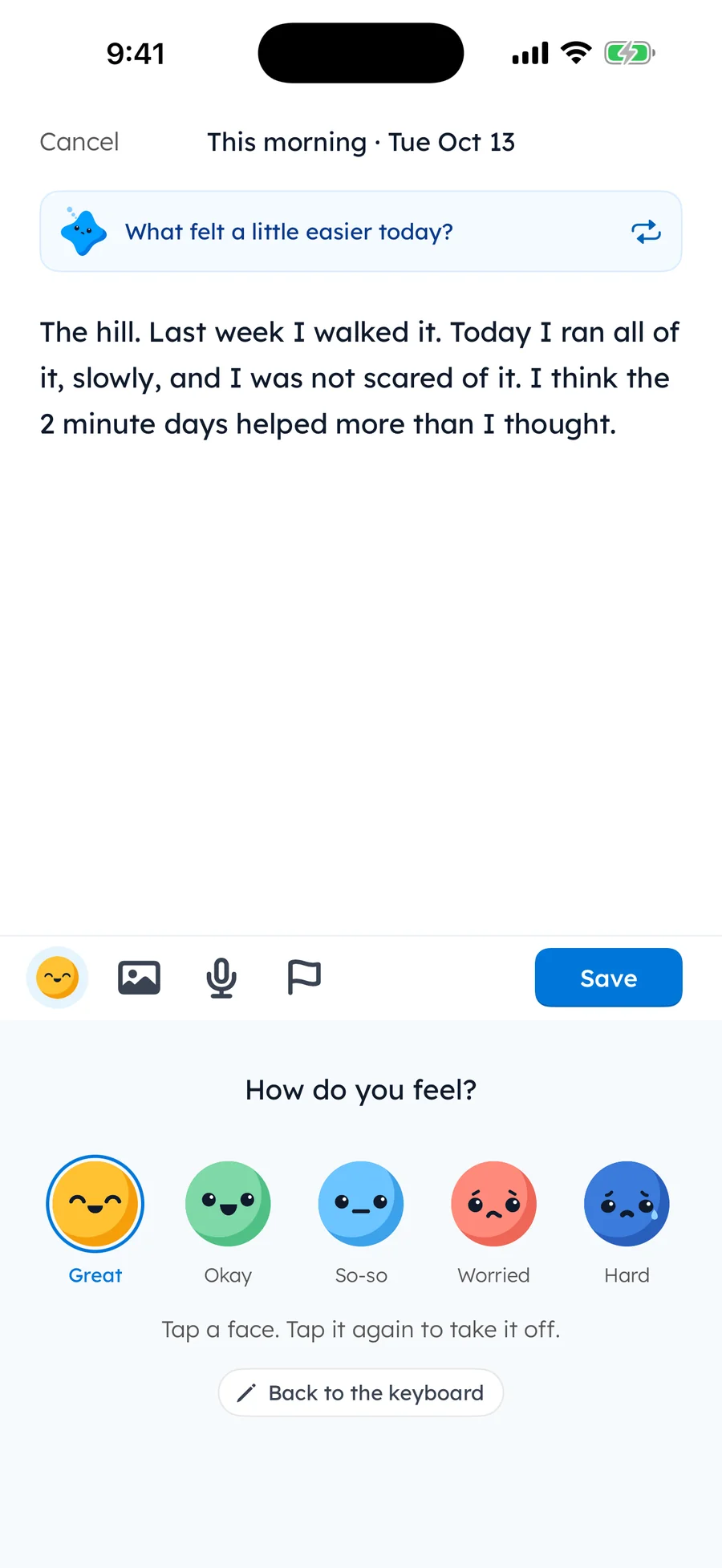
Write it your way
Voice
Too tired to type? Tap the microphone and talk. Speech recognition on your iPhone turns it into text, and the recording stays with the note.
Photos
Add the photo from the walk, the page you read or the meal you cooked. Up to six photos sit with a note, stored on your iPhone.
Look back
Faces
Pick one of five faces for the day. Every face is fine. Hard days count too.
 Great
Great Okay
Okay So-so
So-so Worried
 Hard
HardYour mood chart is free and shows how your days have felt. With Pro, Insights add the time of day your steps get done, your steps each week, the words you have written and which goals move.
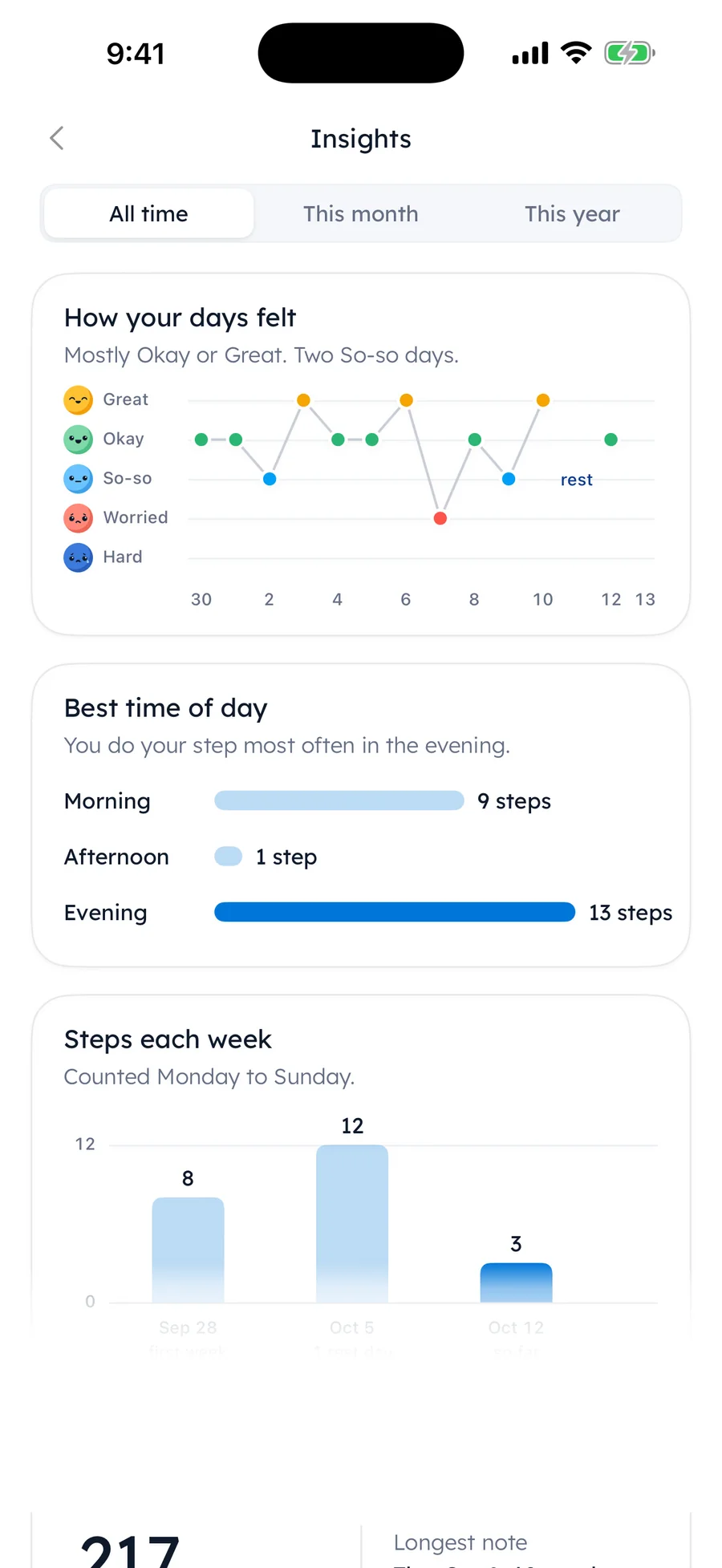
Insights PRO
Notes
Notes sit right beside your journal. Type - for a list or [] for a checkbox, and it tidies itself as you type.
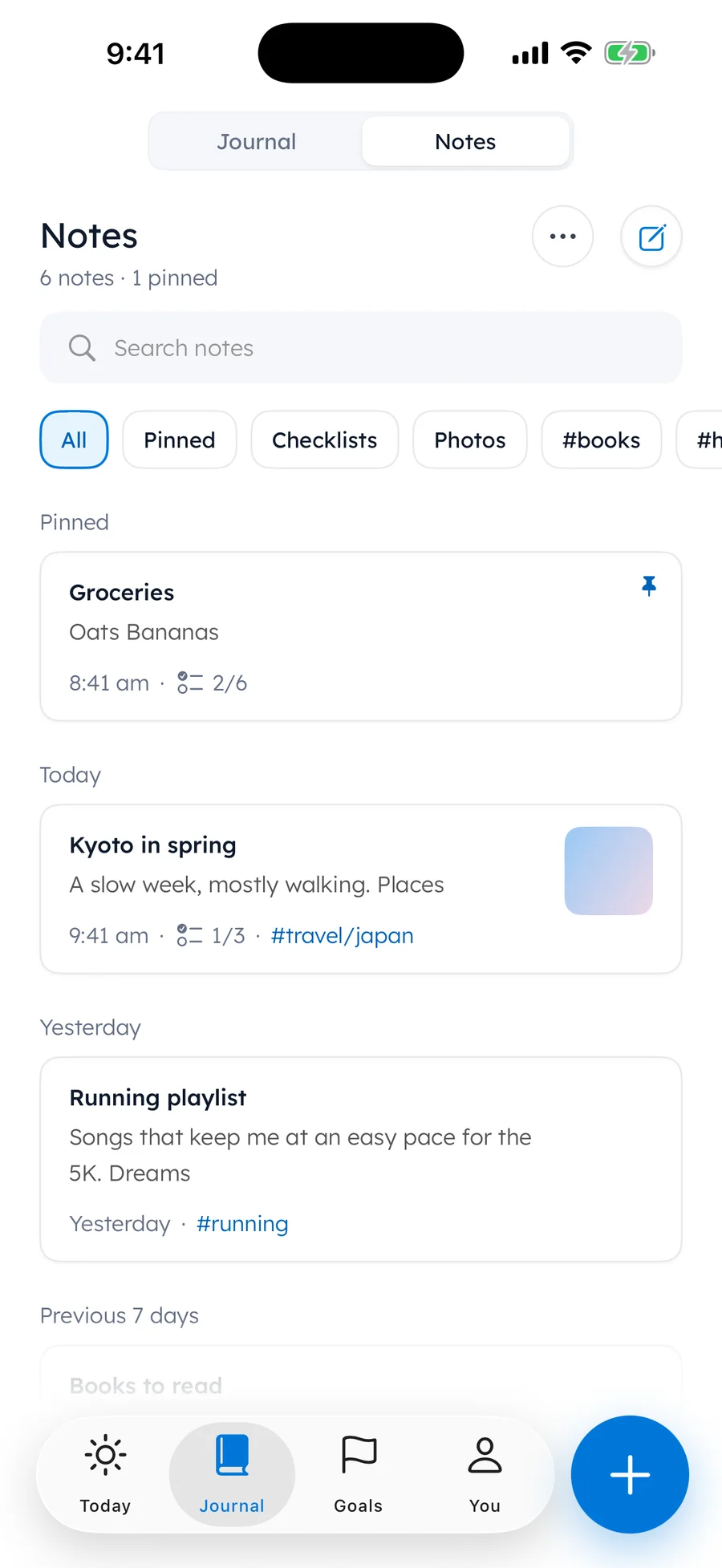
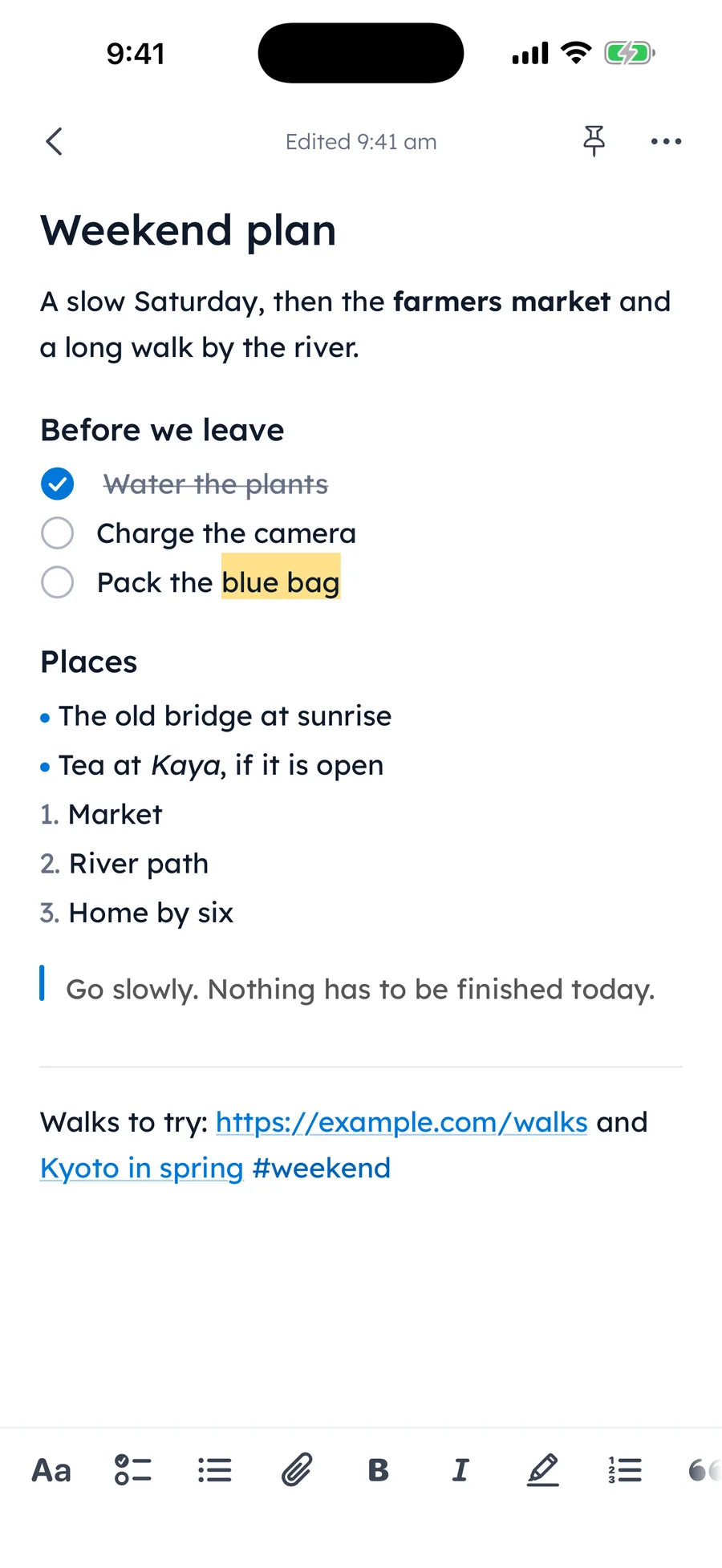
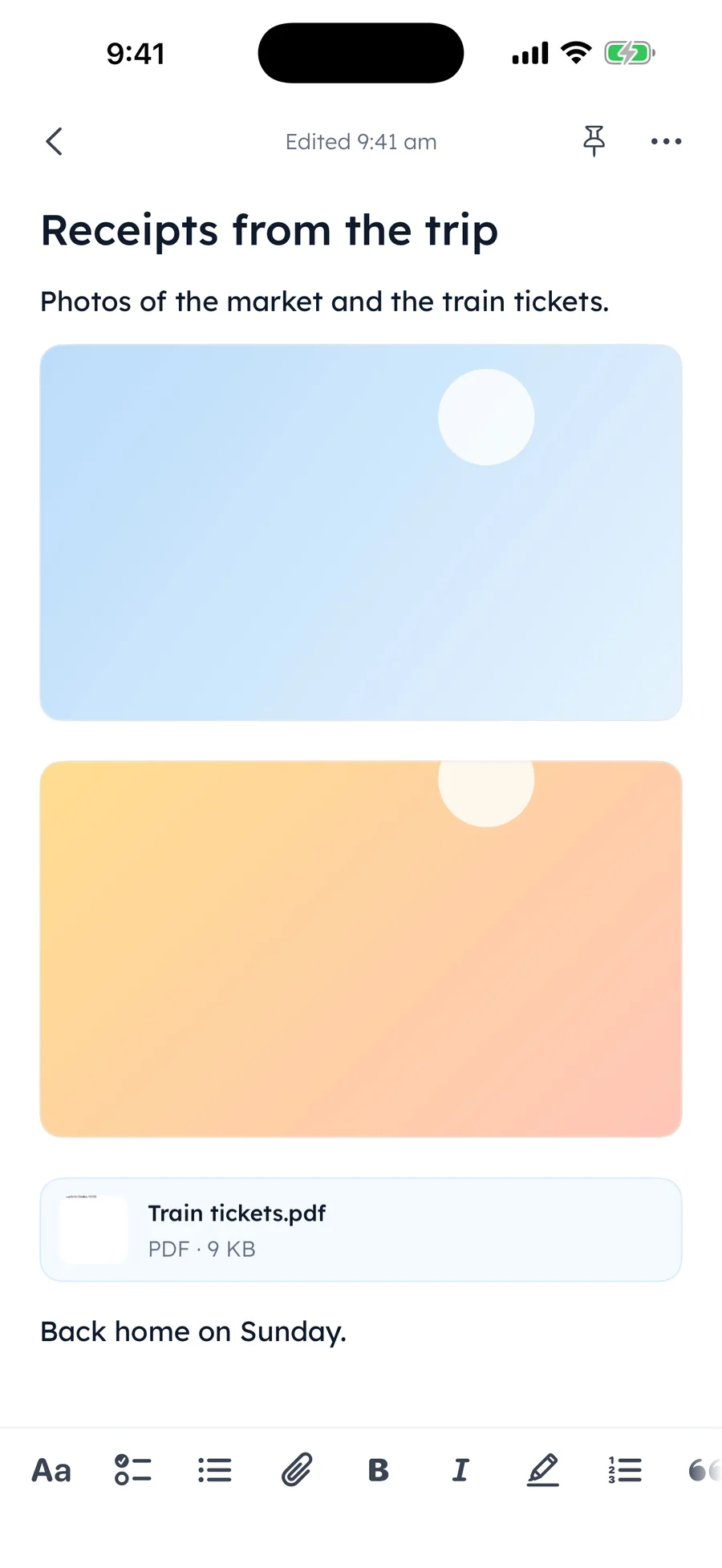
Writing, faces, voice, photos, Notes, search and the month calendar are free.
Every Sunday
On Sunday your week is ready on Today, in five short cards. It is a quiet look back at what you did and how it felt.
A day counts when you do your step or write a note, and the days you have shown up never go down. Rest days, pause and mending are built in. Reminders come only at the times you pick.
Writing earns its own badges: notes, words written, faces picked and evening notes.
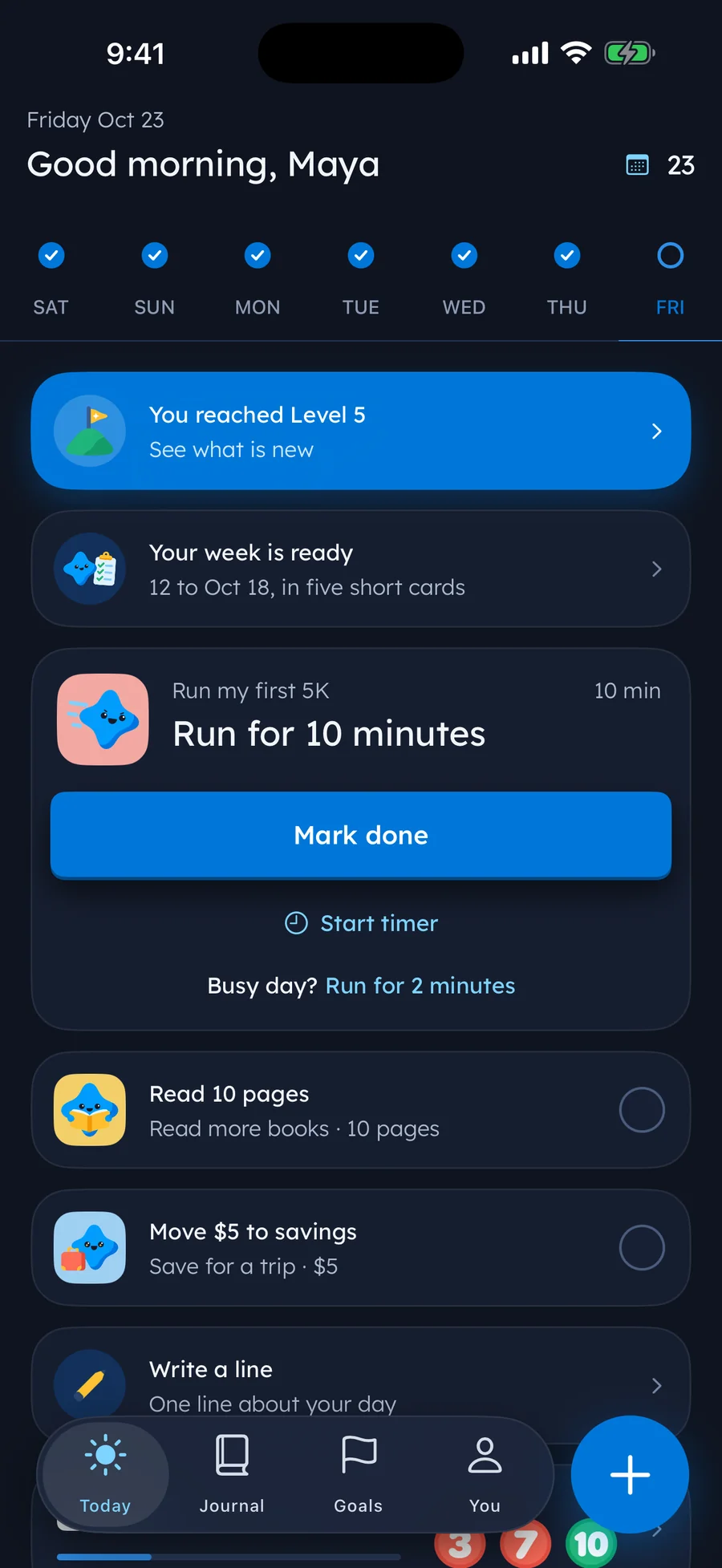
Dark mode follows your iPhone
Privacy
Your journal, notes, photos and voice notes are stored on your iPhone. They are not uploaded to Yumemira.
There is nothing to sign up for. We do not include advertising or cross-app tracking tools.
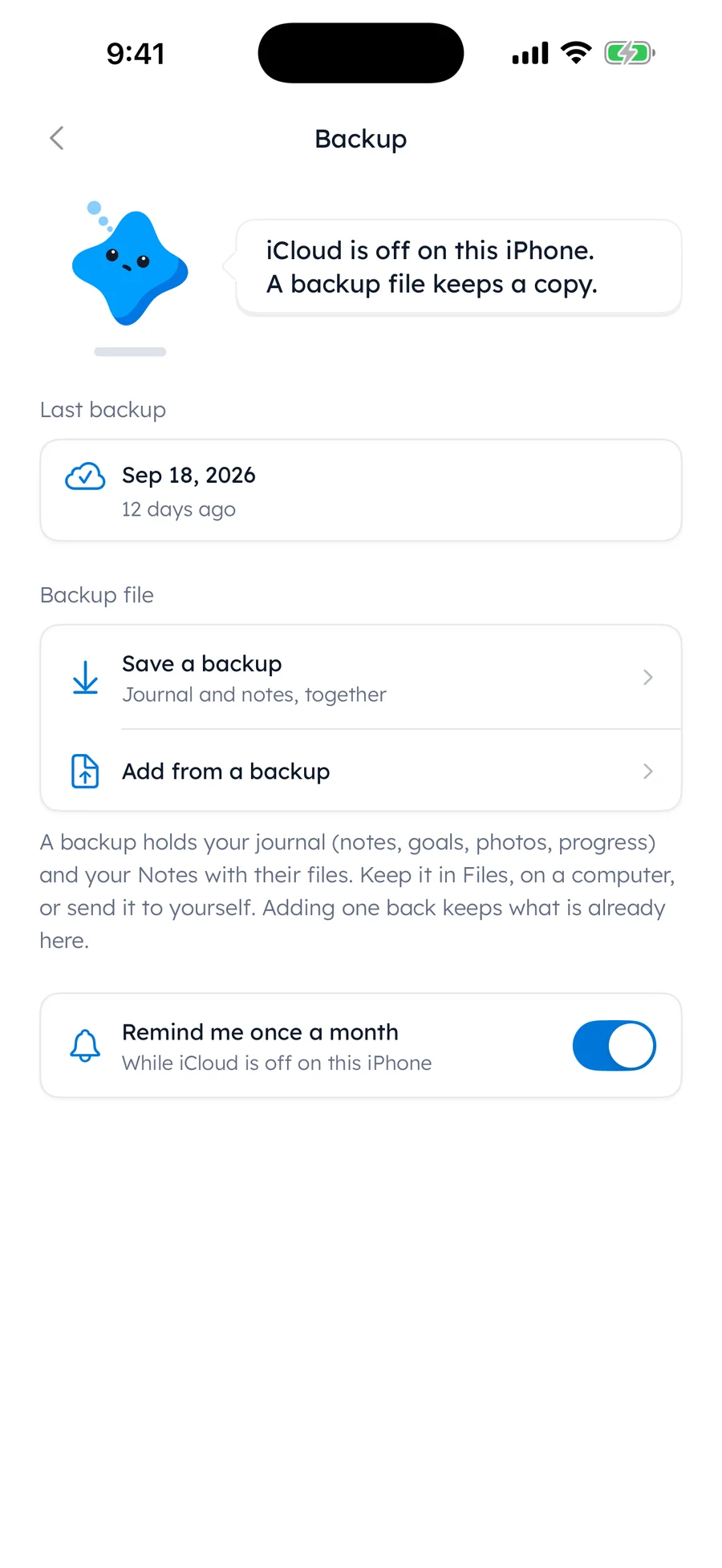
One tap in Settings saves your journal and notes as a file you keep. Your iPhone's iCloud Backup includes your journal when it is on.
There is no sync between devices today. Add from a backup brings your journal and notes to a new iPhone.
A passcode or Face ID opens the app, Notes included.
Goal pictures are optional, with Pro. Only the words you approve are sent to make one.
Read the privacy policy.
Free and Pro
Writing, faces, voice, photos, search and the month calendar are free. Pro adds more when you want it.
Yumemira
Everything you need for one goal.
$2.99 a month
or $29.99 a year, after a 7-day free trial. Everything in Free, plus:
Prices in US dollars; the App Store shows the price in your country before you pay, and you can cancel any time in your Apple subscriptions. More on Free and Pro.
Questions
A journal where one line is a whole entry. It fits a busy day, and the lines add up. In Yumemira a line can sit next to the step you did that day.
Yes. Write a line about your day with a face or photos, or say it out loud, without setting a goal. Notes hold your lists, plans and ideas.
Yes. Say it out loud instead of typing. Yumemira uses speech recognition on your iPhone, and the recording stays with the note, on your iPhone. It is not uploaded to Yumemira.
Each note can have a face for how it felt: Great, Okay, So-so, Worried or Hard. Every face is fine, and hard days count too. The mood chart is free and shows how your days felt.
Up to six per note.
Yes. Notes sit right beside your journal. Type - for a list or [] for a checkbox and it tidies itself as you type. Add #tags, pins, photos, files and recordings. A deleted note stays in Recently deleted for 30 days.
Yes. Settings › Backup saves your journal and notes as a file you keep, and a note can be exported as Markdown or plain text. Both are free. With Pro you can also export notes as a PDF or a picture.
Your journal, notes, photos and voice notes are stored on your iPhone and are not uploaded to Yumemira. There is no account, no ads and no cross-app tracking. The only thing that leaves your iPhone is the short description you approve when you ask for an optional goal picture.
There is no sync between devices today. Your iPhone's iCloud Backup includes your journal when it is on, and Settings › Backup saves your journal and notes as a file you can keep in Files, iCloud Drive or on a computer, then bring back with Add from a backup.
Yes, with Pro: a passcode or Face ID opens the app, and the lock covers Notes too.
Nothing is lost. Your days shown up never go down: a day counts when you do your step or write a note. Rest days are built in, you can pause a goal, and you can mend a missed day once every 30 days.
Free to start. Your journal and notes stay on your iPhone.
For iPhone with iOS 18 or later. Everything the iOS journal app does