

 All read. Nice.
How to Start Journaling (Even If You Only Have One Minute)
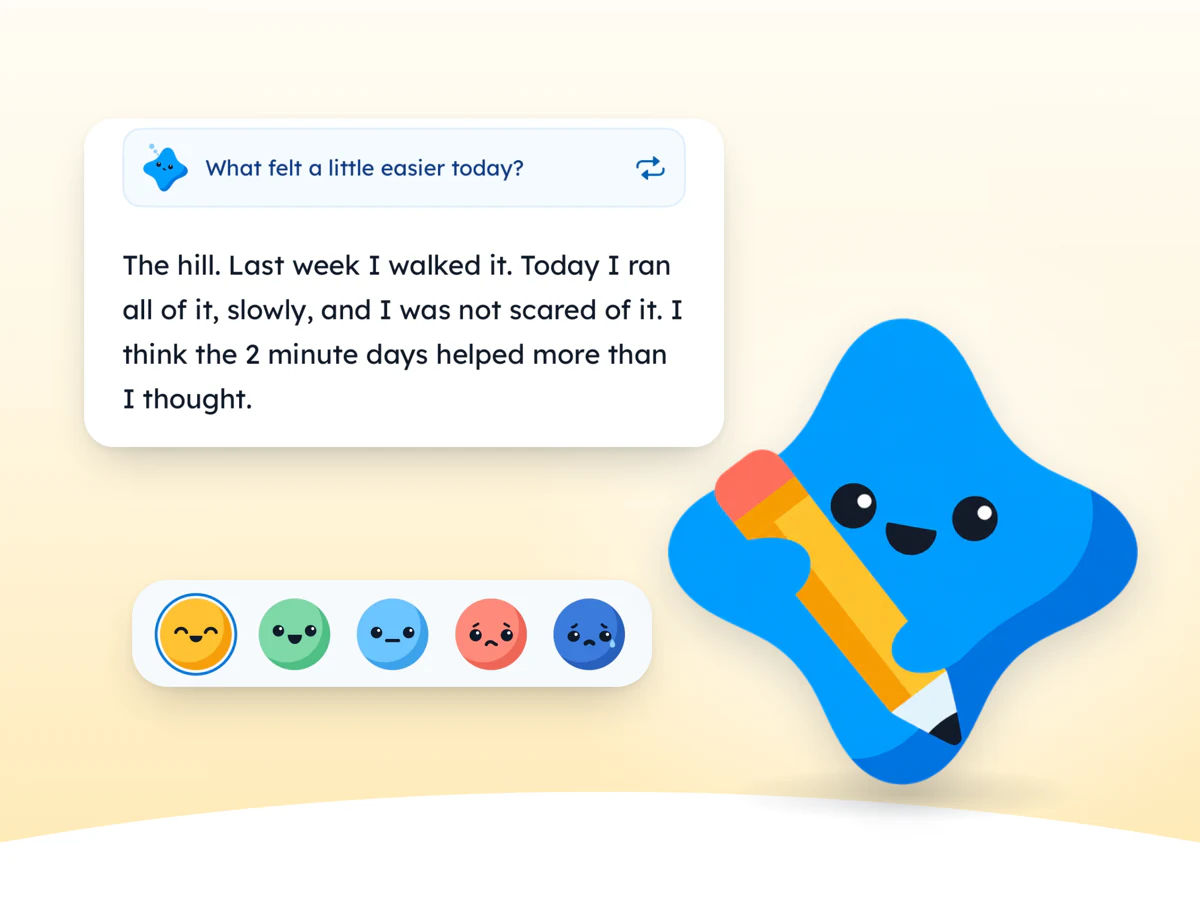
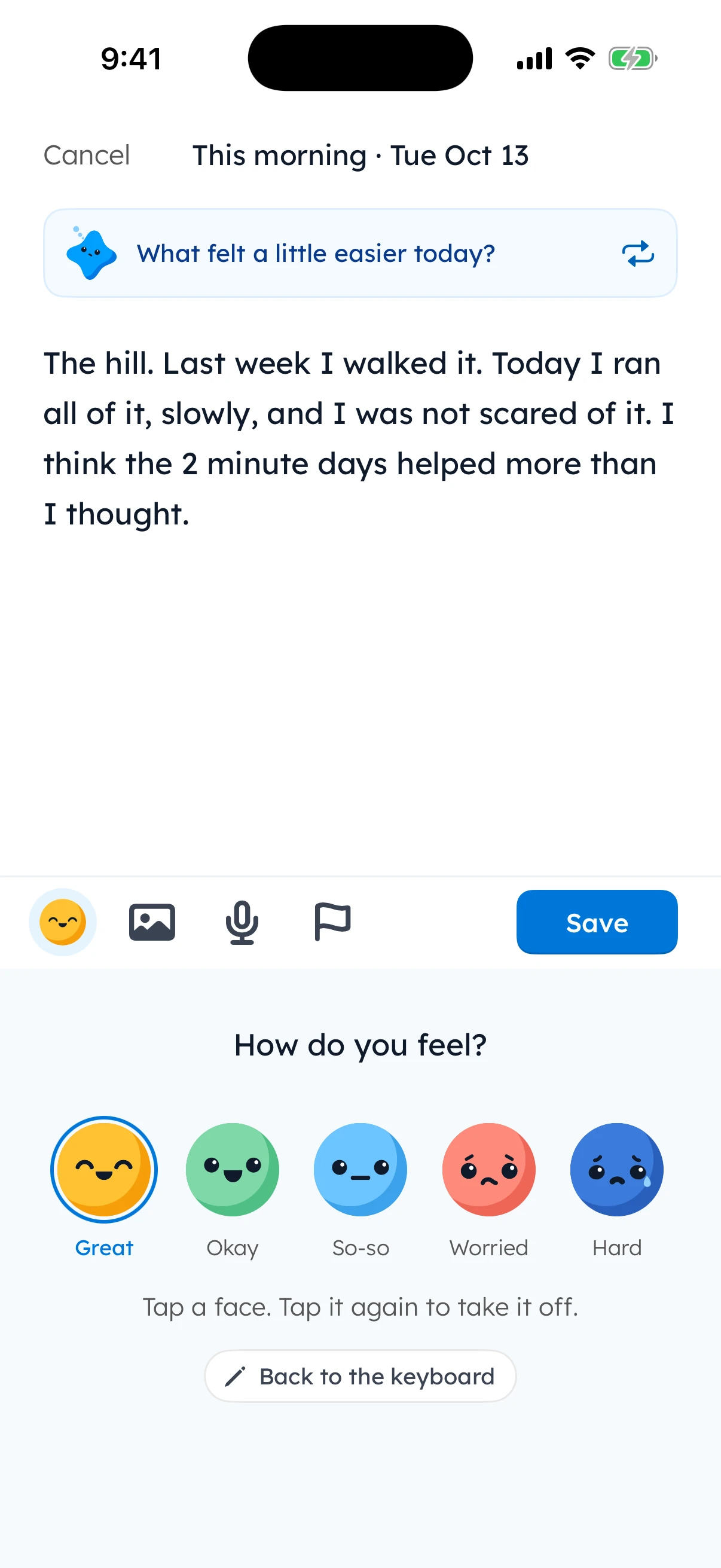
To start journaling, write one line a day. Pick a time you already have, like after you brush your teeth. Answer one small question, such as “What made you smile today?” Then add a word for how the day felt. That is a whole entry. Small and steady beats long and rare, so start with one line tonight.
Why a tiny journal beats a big one
Most people start journaling with a big plan. A new notebook. A full page every night. Maybe a nice pen. Then life gets busy, the page stays blank, and the notebook ends up in a drawer.
The plan was not wrong. It was just too big.
A tiny journal is different. One line takes less than a minute. You can write it on a tired day, a hard day or a day with no free time at all. Because it is small, you keep doing it. And a journal you keep is better than a perfect journal you stop.
Small entries also add up. One line a day is 365 lines by the end of a year. Read them back later and you will see your year: the good days, the hard days and the tiny things you would have forgotten. The bus driver who waved. The first warm day. The dinner that went wrong and still made everyone laugh.
So give yourself permission to start small. You can always write more. You never have to.
The one-line method, step by step
Here is the whole method. It fits on a sticky note.
Step 1: Pick one question
A question gives your line a job. “What made you smile today?” is much easier to answer than a blank page. You will find 15 questions for beginners in the next section.
Step 2: Write one line
Answer the question in one sentence. Do not fix the spelling. Do not hunt for perfect words. Write it the way you would text a friend.
Step 3: Add how it felt
Pick one word for the day: great, okay, so-so, worried or hard. It takes 2 seconds. Later, these little words show you how your weeks really went.
Step 4: Stop
That is it. You are done. If you want to keep writing, go ahead. But one line is a whole entry, and it counts.
None of them are deep. All of them are true to a day. That is what a one line a day journal looks like.
Quick check: 3 taps
No score to keep. Just for fun.

Tap the answer you think is right.
1. Which of these is a one-line entry?
2. You missed three days. What now?
3. When is the best time to journal?

Quiz Whiz badge earned.
What to write in a journal: 15 prompts for beginners
The hardest part of journaling is often the first word. A prompt fixes that. It is just a question that gives you a place to start.
These journal prompts for beginners are grouped by how your day felt. Pick the face that fits today, then pick any question from that group. Skip any prompt that does not fit. There are no wrong answers.
How did today feel?
Tap a face. Tap it again to take it off.
Every face is fine.
Your pick stays on this page. Nothing is sent anywhere.
 When today felt great
- What made you smile today?
- What went better than you expected?
- Who do you want to thank, and why?
 When today felt okay
- What is one thing you saw, heard or ate today that you want to remember?
- What is one small thing you finished?
- What was the best 5 minutes of today?
 When today felt so-so
- What felt a little easier today?
- What is one thing you would change about today?
- What would make tomorrow a little better?
 When you feel worried
- What is on your mind right now, in one line?
- What is one part of this that you can control?
- What is one small thing you can do about it tomorrow?
 When today was hard
- What was the hardest part of today?
- What helped, even a little?
- What is one kind thing you can do for yourself tonight?
Write your first line
What made you smile today?

Five plain words are enough.
Your line stays on this device. It is saved only in this browser and never sent anywhere.
When and where to journal
The best time to journal is a time you already have. Do not look for a new free hour. Tie your line to something you already do every day.
Morning or night?
Both work. Night is good for looking back on the day. Morning is good if you are too tired at night. Pick one and try it for a week. If it does not fit, move it. There is no wrong time.
Paper or phone?
Where you write matters less than you think. A notebook by your bed works. A notes app works. A journal app works. Choose the one you will really open. If your phone is always with you, a phone journal means you never leave your journal at home.
Busy days and missed days
Every journal meets a busy week. Here is how to keep going without guilt.
On a busy day, go smaller
On a busy day, shrink the entry, not the plan. Five words is fine. One word is fine. A face with no words is fine. The point is to keep the door open, not to write something good.
Here is the 2-minute version:
- Open your journal.
- Pick a word or face for today.
- Write five words about today.
Done. It still counts.
The 2-minute version
Tap each step to tick it off.

Done. It still counts.
If you miss a day, just write today
You will miss days. Everyone does. It does not mean you failed, and it does not mean you have to start over.
Do not try to catch up on every missed day. That turns one missed day into a big job, and big jobs are how journals end. Just write today’s line. If you like, add one line about the gap: “Busy week. Glad to be back.”
How Yumemira helps, honestly
Yumemira is a small-steps journal app for iPhone. It is built on the same idea as this guide: one line is a whole entry. Here is what it does, in plain words.
- One line is enough. Type it, or say it out loud. Your voice note is kept with the entry.
- A face for how it felt. Great, Okay, So-so, Worried or Hard. Every face is fine. Hard days count too.
- Photos when you want them. Add up to six photos to a day, or none at all.
- A question when you are stuck. A fresh question waits at the top. Tap “Another question” for a new one, or write without one.
- Days that never go down. A day counts when you do your step or write a note. Your days shown up only add up.
- Rest days are built in. You can also pause, and you can mend a missed day now and then.
- Your journal stays on your iPhone. Your journal, photos and voice notes are stored on your iPhone and are not uploaded to Yumemira. There is no account to make.
- It is free to start. Writing, faces, voice, photos and questions are all in the free version.
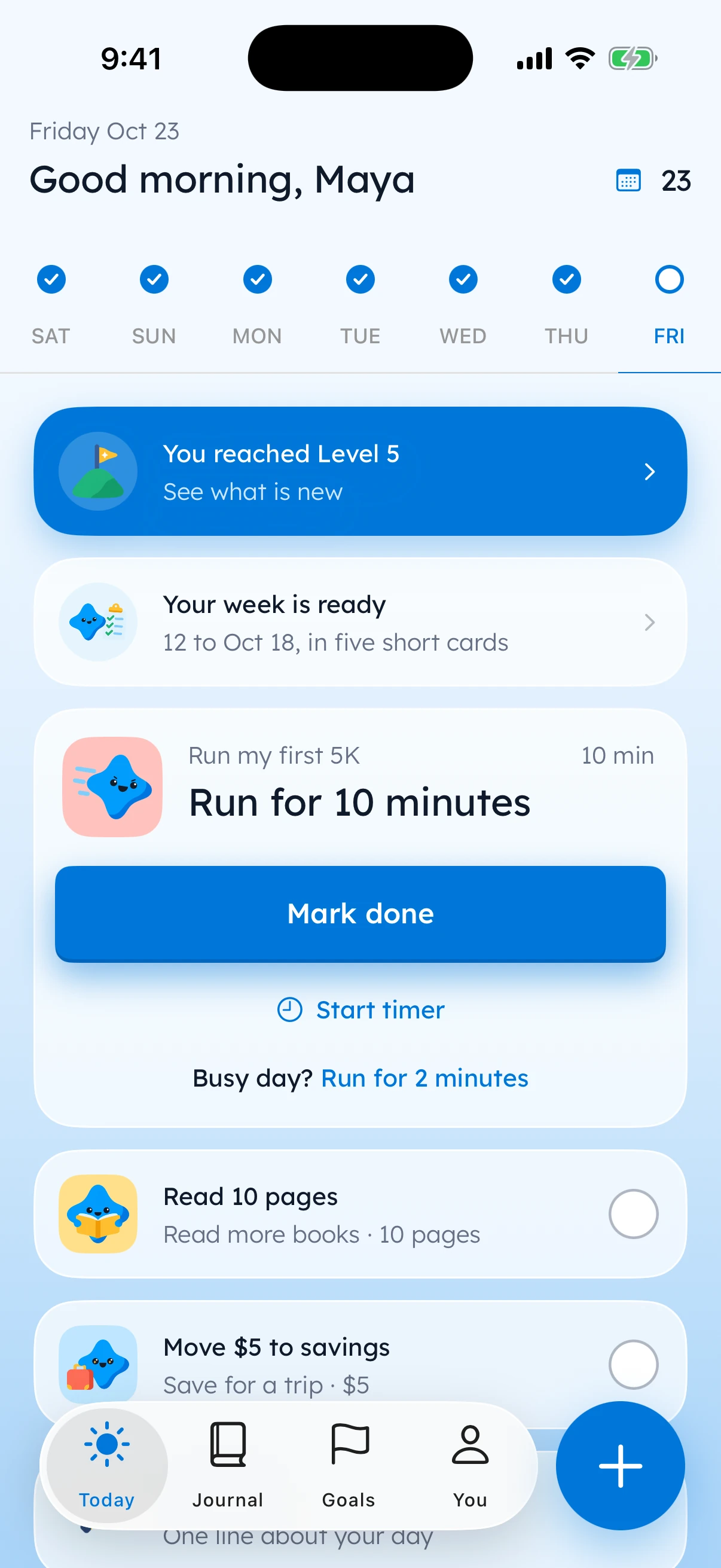
Yumemira can also help with one small goal, like reading or walking, with a step small enough for today. When you finish the step, Mira cheers and asks how it went. That is one more easy moment to write your line. You can also use Yumemira just as a journal, with no goal at all.
It is only for iPhone, with iOS 18 or later.

Questions people ask
How long should a journal entry be?
One line is enough. A short entry you write every day is more useful than a long entry you write once a month. If you want to write more, you can, but you never have to. Start with one sentence about your day and a word for how it felt.
Is it better to journal in the morning or at night?
Both work. Night is good for looking back on the day. Morning is good if you are too tired at night. The best time is one you already have, like after you brush your teeth or with your first cup of coffee. Try one time for a week, then keep it or move it.
Do I need a special notebook or app to start journaling?
No. Any notebook, a notes app or a journal app will work. Choose the one you will really open. A journal app can help with a fresh question, a face for how you felt and photos, but the most important part is writing one line.
What should I write in my first journal entry?
Keep it simple. Write one line about today, such as the best part of the day or one thing you want to remember. Then add a word for how it felt: great, okay, so-so, worried or hard. That is a complete first entry.
What if I do not know what to write?
Use a prompt. A prompt is a small question, like “What made you smile today?” or “What felt a little easier today?” You can also write five plain words about what you did. There are no wrong answers, and a short, plain line still counts.
What should I do if I miss a day of journaling?
Just write today. Do not try to catch up on every missed day, because that turns a small gap into a big job. The days you already wrote still count. If you like, add one line about the gap, such as “Busy week. Glad to be back.”

You earned the First Line badge
You read the whole guide. Now write one line tonight. That is all it takes to start.
0 XP0 of 12 badges